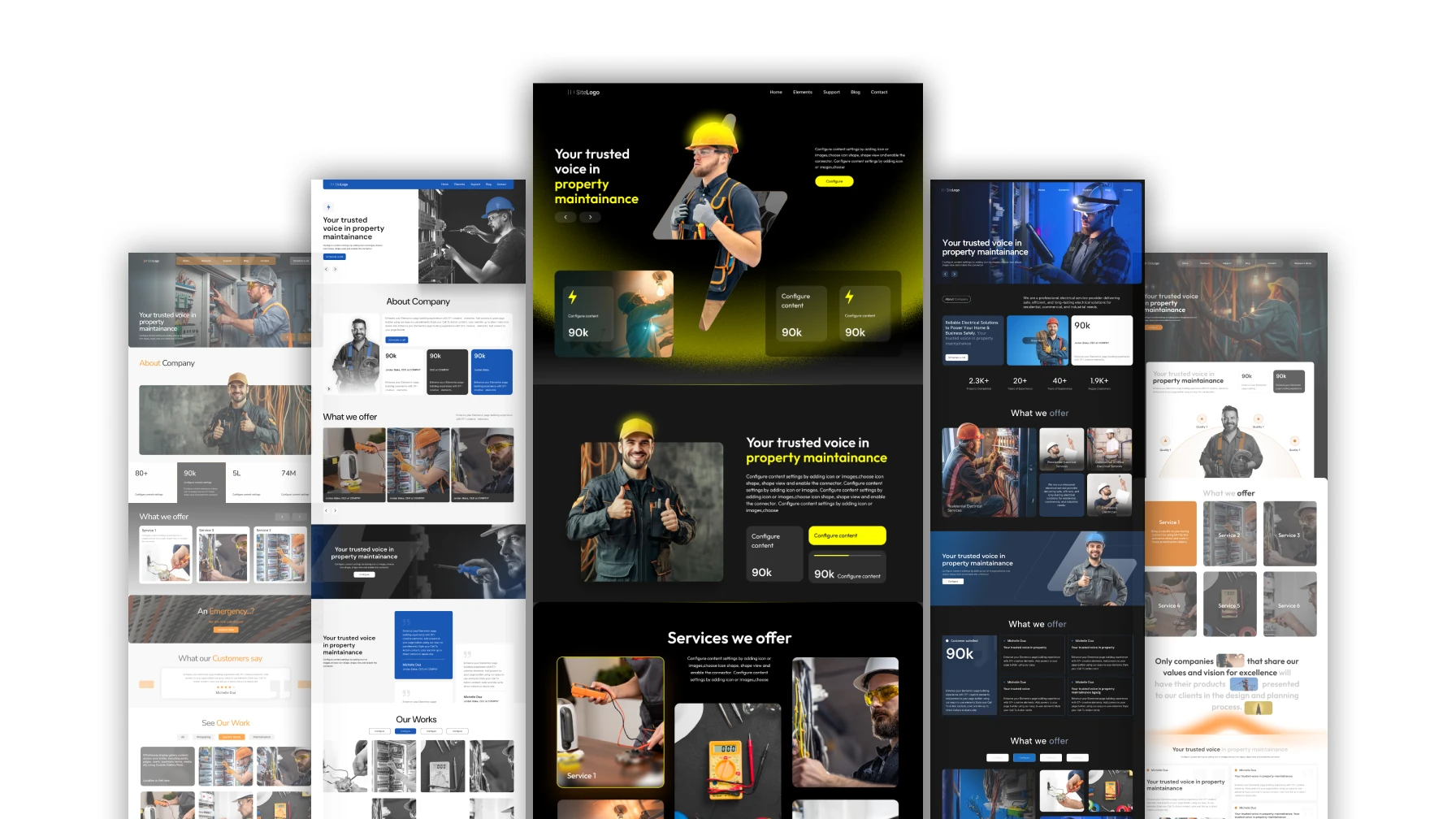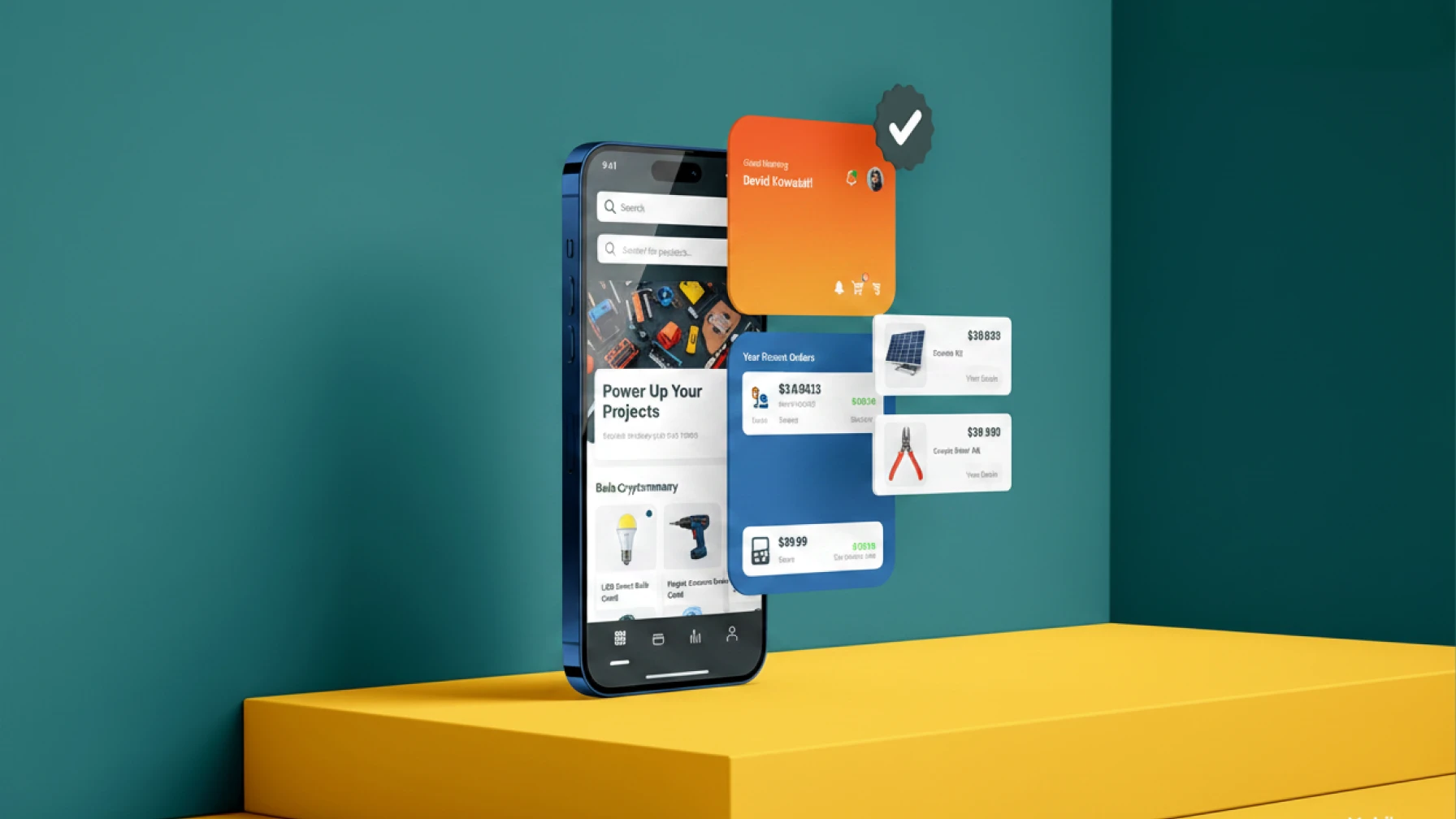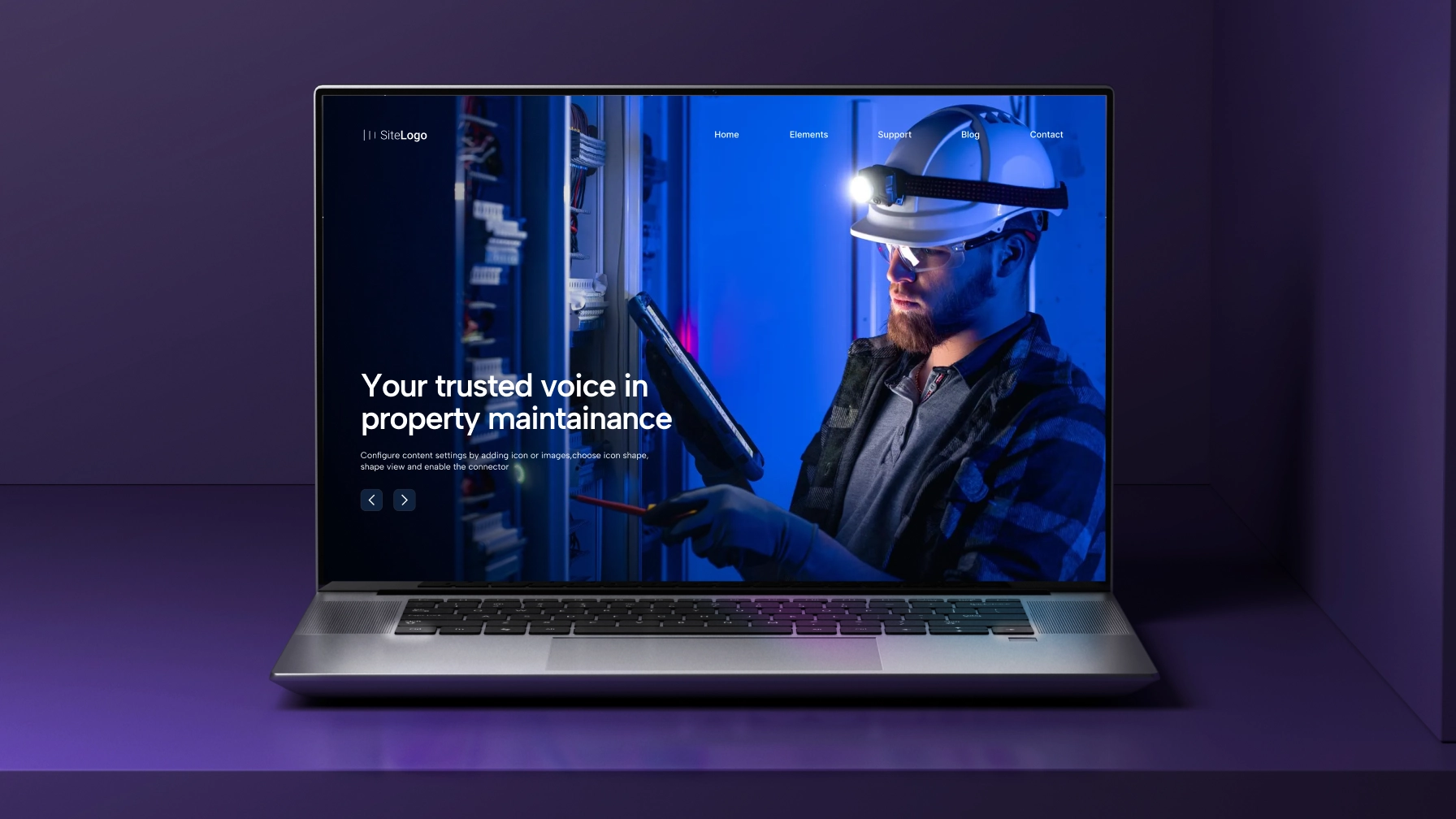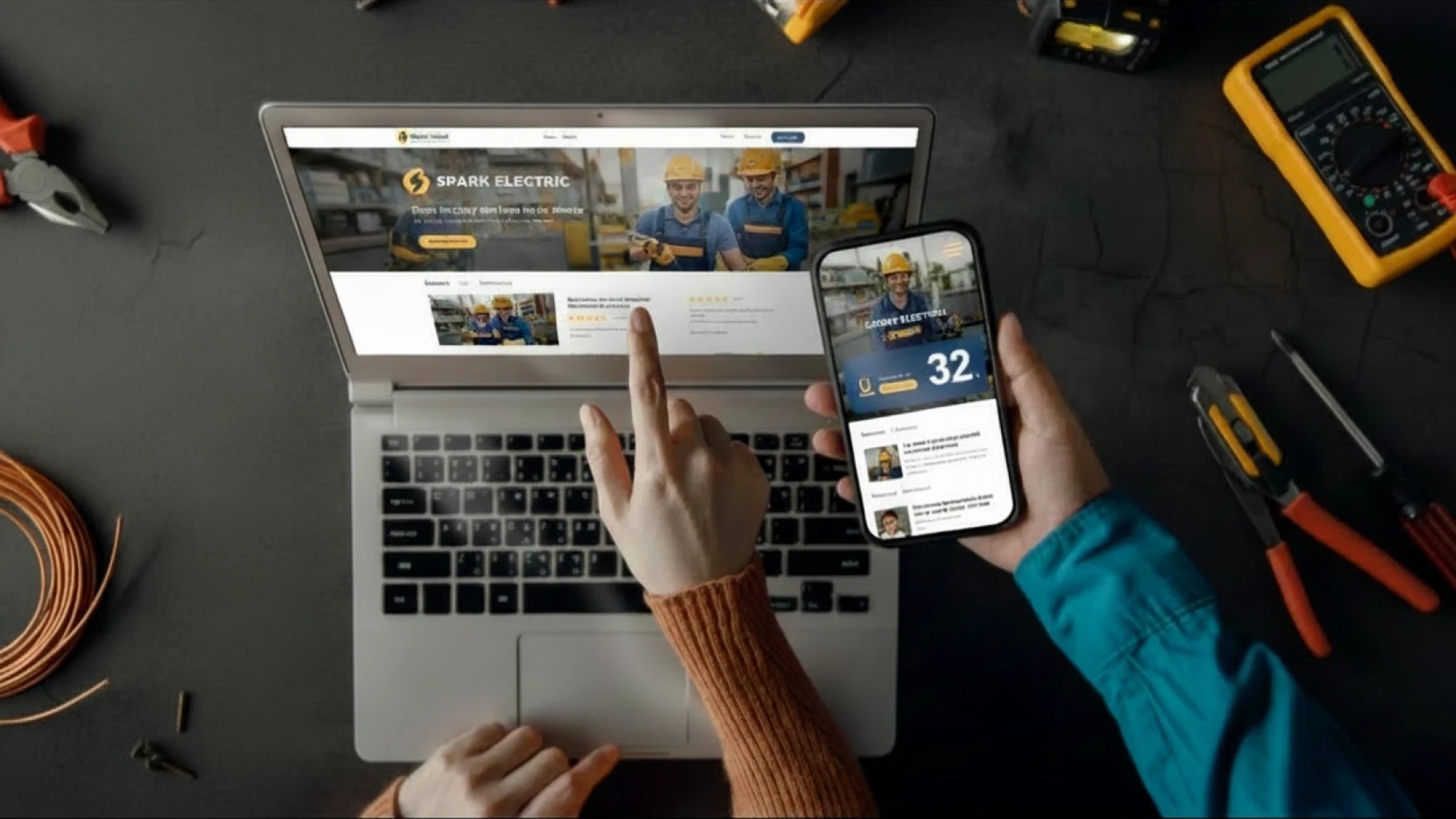
An “elektricien spoed” search at 10pm doesn’t come from someone sitting at a desk. It comes from a homeowner standing next to a dead fuse box, with one thumb on their phone and a crying child in the next room. They will call the first electrician whose number works on the first tap.
If your mobile website is slow, hides your phone number, or asks them to fill in six fields, they will not call you. They will call the next result. This is how most Dutch electricians lose work they never even knew they were quoted for.
This guide explains what a mobile website for electricians actually needs — based on how Dutch customers really search for trades — and how to audit your own site in about ten minutes. At Growth Rocket, we’ve built and optimized websites for local service businesses across the Netherlands, and the same mobile issues appear again and again: slow load times, hidden phone numbers, and contact forms that cost electricians valuable enquiries.
Why Mobile Matters So Much for Electricians
Over 70% of visits to a typical Dutch electrician website come from a mobile device. For emergency queries like “stroomstoring spoed” or “elektricien in de buurt,” that share pushes above 85%. These are not casual browsers. They are people with a problem who want a phone number.
This changes what a good site looks like. On a desktop, visitors compare and read. On a phone in an emergency, they want one thing: a way to reach you in under three seconds. Every extra tap, every popup, every menu that requires thinking is a reason to leave.
There is also a trust problem specific to the Dutch market that most electricians underestimate. Complaints to the ACM about fraudulent “malafide” electrician websites — AI-generated spoed sites with fake addresses — have reached record levels. Dutch customers now actively check the mobile version of a site before calling, looking for signs of a legitimate local professional. A clean, fast mobile site is not just better marketing. It is how you prove you are the real one.
The Business Cost of a Bad Mobile Site
The math is more brutal than most electricians realise. A lead on Werkspot costs €20–€45, and because three to five contractors respond to each request, the average win rate is around 20%. That works out to roughly €100–€225 per actual customer won through a marketplace — and the customer never belongs to you.
A mobile-friendly website that captures even two or three direct calls per month pays for itself many times over, and every caller is yours. The problem is that most electrician websites cannot capture those calls because they were built for desktop, not for someone standing in a dark hallway.
What Growth Rocket Sees Across Electrician Websites
At Growth Rocket, one of the most common issues we find when reviewing electrician websites is that they were built on desktop-first templates and never properly tested on a smartphone. The result is lost enquiries from homeowners who cannot quickly find a phone number, submit a quote request, or verify that the business is legitimate.
In most cases, improving mobile performance does not require complicated technology. Faster load times, visible click-to-call buttons, clear service areas, and stronger trust signals can significantly improve the number of direct enquiries a website generates.
What a Good Mobile Website for Electricians Needs
Before the step-by-step, here are the non-negotiables. This is the minimum standard for any electrician operating in the Netherlands today.
- Loads in under 3 seconds on normal 4G, not just Wi-Fi
- Click-to-call button visible without scrolling, using a tel: link
- WhatsApp button — increasingly the preferred contact method for Dutch homeowners
- Thumb-friendly buttons at least 44 pixels tall
- Readable text — body font 16px minimum, strong contrast
- No popups on mobile, especially on the first screen
- Responsive design that adapts to any screen size
- Short forms — name, phone, problem, and nothing more
- Clear service area — the cities or regions you actually cover
- Legitimacy signals — KvK number, Techniek Nederland badge, real team photos
Every one of these is solvable without rebuilding your site from scratch.
How to Fix Your Mobile Website: 8 Steps
Follow these in order. Each step takes between five minutes and a few hours.
Step 1. Test Your Site on a Real Phone, on Mobile Data
Open your own website on your phone — not a desktop preview, an actual phone — and turn Wi-Fi off. Mobile data is what most emergency visitors are using.
Try three things: find your phone number, tap it to call, and submit an enquiry. If any of those take more than a few seconds, or require zooming in, you have a problem. Write down what went wrong. That list becomes your fix list.
Do this test again from the perspective of a homeowner who has never heard of you. Does the site tell them within five seconds who you are, which areas you cover, and how to reach you? If not, start there.
Step 2. Check Your Load Speed
Go to Google’s PageSpeed Insights, paste in your URL, and look at the mobile score specifically. Anything under 50 is costing you work. Above 90 is where you want to be.
The three most common reasons Dutch electrician sites load slowly:
- Oversized photos of installed groepenkasten or laadpalen, uploaded straight from a phone camera at 4MB each
- Heavy page builders like Elementor or Divi loaded with unused widgets
- Tracking scripts from old marketing campaigns that were never removed
Compress every image to under 200KB and most of the problem disappears. When Growth Rocket audits electrician websites, oversized images are consistently one of the largest contributors to poor mobile performance and low PageSpeed scores.
Step 3. Add a Click-to-Call Button — And a WhatsApp Button
The click-to-call button is the most important element on any electrician website. In Growth Rocket’s website reviews, missing or poorly positioned phone buttons are among the most common causes of lost mobile enquiries.
Place it in the header, visible the moment the page loads. Make it obvious — a button with a phone icon and text like “Bel nu” or “Direct bellen”. Use the tel: link format so tapping actually dials. The button should stay visible as the visitor scrolls.
Then add a second button next to it: WhatsApp. Dutch customers increasingly prefer WhatsApp for non-urgent work — a quote for a new groepenkast, a question about laadpaal installation, or a photo of a broken socket. For you as the electrician, WhatsApp enquiries come with photos attached, which saves time on werkvoorbereiding. Use a wa.me link so tapping opens WhatsApp directly.
Step 4. Make Buttons Thumb-Friendly
Apple and Google both recommend tap targets of at least 44×44 pixels. Smaller than that, and thumbs miss. Missed taps feel like the site is broken, and visitors leave.
Check every button on your homepage: Bel nu, WhatsApp, Offerte aanvragen, Menu. If any are small, cramped, or too close to other links, make them bigger and space them out. Stack buttons vertically on mobile rather than cramming them into a row. Thumbs are not laser pointers.
Step 5. Fix Font Sizes and Contrast
Body text should be 16px or larger. Headings should be noticeably bigger. Light grey text on a white background may look elegant in a design mockup, but it is unreadable on a phone in daylight — which is where many of your visitors are.
A simple test: can you read your site outdoors, in sunlight, without zooming? If not, increase the font size and contrast. This matters especially for older homeowners, who make up a significant share of the renovation market.
Step 6. Remove Popups and Cookie Walls
Popups on mobile are the fastest way to lose a visitor. Google also penalises “intrusive interstitials” in mobile search rankings, so you lose visibility as well as visitors.
Remove any newsletter popup on mobile entirely. Shrink the cookie banner to a thin strip at the bottom that does not block content. If you must show a message, wait until the visitor has read at least one full screen. Emergency callers will not wait through a cookie wall — they will press back and call your competitor.
Step 7. Shorten Your Contact Form
On a phone, every form field feels twice as long. Five fields is usually too many.
Keep it to three: name, phone, short description of the problem. Email is optional — most people calling an electrician would rather be called back than wait for an email reply. Offer a photo upload field for quote requests; a photo of a current groepenkast tells you more than three paragraphs of text and lets you quote faster.
If you want to go one step further, add a simple dropdown for service type — “storing / groepenkast / laadpaal / zonnepanelen / anders” — so enquiries arrive pre-sorted in your inbox.
Step 8. Make Your Service Area and Legitimacy Obvious
“Elektricien Utrecht” and “elektricien in de buurt” are two of the most common search terms in the Dutch market. If your site doesn’t clearly state which areas you cover, visitors assume you don’t cover theirs and keep scrolling.
Put your service area in the top section — something like “Werkzaam in Utrecht, Amersfoort en Hilversum” is enough. Repeat it in the footer. This also helps your local Google ranking.
In the same area, show the trust signals that separate you from malafide operators. Your KvK number, your Techniek Nederland membership, a real photo of your van or team, and a visible review count from Google. Dutch customers now look for these before calling. At Growth Rocket, we recommend displaying these trust signals above the fold whenever possible, especially for electricians competing in larger cities where customers are comparing multiple providers.
Mobile-Hostile vs. Mobile-Friendly: What the Difference Looks Like
Here is what separates the two in practice, from the perspective of a Dutch homeowner searching “elektricien spoed” at night.
| Element | Mobile-Hostile Site | Mobile-Friendly Site |
| Load time | 6–10 seconds on 4G | Under 3 seconds on 4G |
| Phone number | Hidden in footer or contact page | Visible in header, tel: link active |
| Not available | Visible button with wa.me link | |
| Buttons | Small, cramped, hard to tap | At least 44px, spaced, stacked |
| Text size | 12–14px body text, light grey | 16px+ body text, high contrast |
| Popups | Newsletter and cookie popups on arrival | No popups, minimal cookie strip |
| Contact form | 6+ fields, no photo upload | 3 fields, photo upload, service dropdown |
| Service area | Buried or missing | Visible in top section and footer |
| Trust signals | Generic stock photos | KvK number, Techniek Nederland, real team photos, review count |
| Emergency flow | Multiple clicks to reach a phone | One tap to call, no interruption |
The mobile-hostile site isn’t always an old site. Many new sites built on generic templates or cheap sitebuilders have the same problems because they were designed on a desktop, for a desktop, and never tested by someone actually trying to book an electrician in an emergency.
Why This Matters for Your Business, Not Just Your Website
A responsive design tradesperson site is not a design preference. It is how you capture enquiries during the minutes that matter — and how you stop paying marketplaces to rent customers that should be yours.
The economics are the part most electricians don’t calculate. An average Dutch electrician on Werkspot pays €20–€45 per lead, wins roughly one in five, and ends up spending €100–€225 per customer won. On top of that, the customer is now a Werkspot customer, not your customer. Next time they have work, they will search Werkspot again.
A mobile-friendly website that captures even one direct call per week costs a fraction of that — and every caller belongs to you. Over a year, that difference is the cost of a second van, or a new apprentice.
There is a second quiet benefit most agencies never mention: recruitment. The Dutch installation sector has around 30,600 open vacancies and a chronic shortage of qualified monteurs and BBL leerlingen. Apprentices and younger electricians almost always find employers through their phone. A smartphone website trades professionals actually enjoy visiting also helps you hire — which, for most electricians, is a bigger pain than finding customers in the first place.
Quick Mobile Audit Checklist
Run through this list on your own phone, on mobile data. Give yourself one point per item. A score of 9–11 is strong. Anything under 7 means your site is actively costing you enquiries.
- Site loads in under 3 seconds on mobile data
- Phone number is visible in the header without scrolling
- Tapping the phone number opens the dialer (tel: link works)
- WhatsApp button is available and opens WhatsApp on tap
- All buttons are at least 44px and easy to tap with a thumb
- Body text is 16px or larger and readable without zooming
- No popups appear on the first screen
- Contact form has 3 fields or fewer, with a photo upload option
- Service area is clearly stated in the top section
- KvK number, Techniek Nederland badge, and real team photos are visible
- Google review count and rating are shown on the homepage
If you scored under 7, the fixes in this guide will get you there. If you scored under 4, it is usually faster to start with a new, mobile-first site than to patch an old one — the same way you wouldn’t rewire a 30-year-old installatie one socket at a time.
Frequently Asked Questions
How much does a mobile-friendly website for electricians cost in the Netherlands?
Prices vary widely. DIY sitebuilders like Siteklik start around €10–€15 per month but need your time and often lack local SEO. Agencies can charge €1,500–€5,000 upfront plus monthly fees, which is overkill for most small firms. Managed services sit in between — one fixed yearly price, with everything set up and maintained for you.
Do I need a separate mobile site or a responsive one?
Responsive. One website that adapts to any screen — phone, tablet, desktop. Separate mobile sites are outdated, worse for SEO, and twice the work to maintain.
How long does it take to make my current site mobile-friendly?
Small fixes — click-to-call button, font sizes, popup removal — take a few hours. A full rebuild of an old site usually takes about a week. Growth Rocket typically delivers a new mobile-ready electrician site in around 7 days.
What is the single most important mobile feature for an electrician?
A visible click-to-call button in the header. Nothing else comes close. Most emergency visitors don’t read — they tap.
Will a better mobile site help me rank higher on Google?
Yes. Google uses mobile-first indexing, which means it judges your site based on the mobile version. A fast, clean mobile site with a clear service area usually ranks better in the local pack than a slow desktop-first one.
Does WhatsApp really help for an electrician business?
For Dutch customers, yes. Non-urgent enquiries — quotes for a new groepenkast, questions about laadpaal installation, photos of issues — increasingly come via WhatsApp rather than phone or email. Adding it reduces friction and gives you pre-qualified enquiries with photos.
Can I test my site for free?
Yes. Google’s PageSpeed Insights and Mobile-Friendly Test are both free. Run your URL through both and you’ll have a clear list of what to fix.
What to Do Next
A mobile-first site is not about looking modern. It is about making sure the homeowner standing next to a dead fuse box can reach you in one tap — and that she trusts you enough to tap at all.
Fix the eight items in this guide, run the checklist on your own phone, and re-test every few months. If the list feels like more work on top of an already full schedule, that is exactly what Growth Rocket’s managed website service is designed for. We handle the design, setup, hosting, updates, and ongoing maintenance so electricians can focus on customer work rather than website fixes.
Growth Rocket specializes in websites for local service businesses where most enquiries happen on mobile devices. Electricians, plumbers, HVAC companies, and other trades depend on fast-loading websites that make it easy for customers to call, message, or request a quote. Every website we build is designed mobile-first because that is how modern customers search, compare, and contact local businesses.