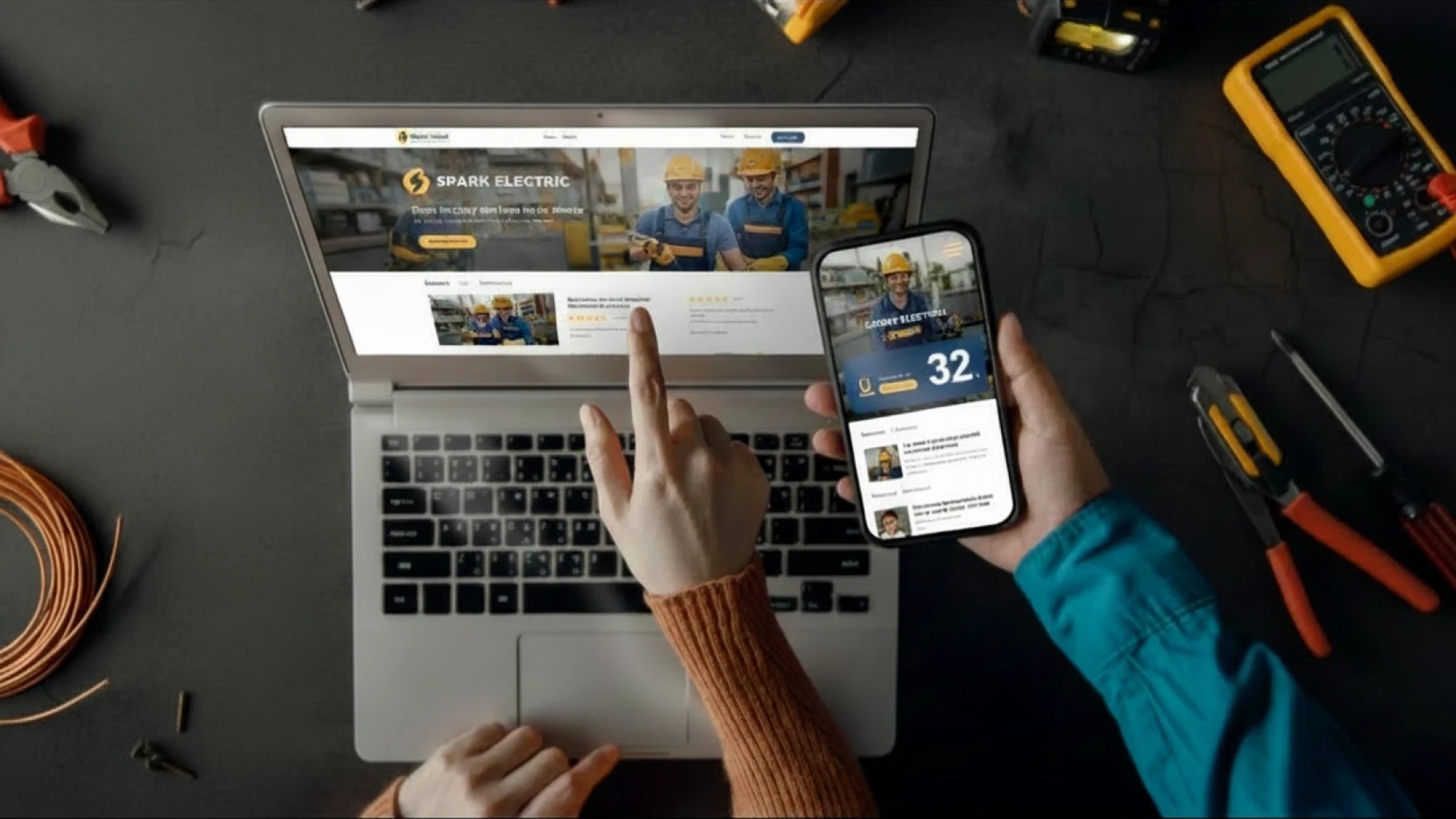
Most people who visit an electrician’s website are on their phone. They are usually in a hurry, often standing next to a tripped fuse box, and they decide in seconds whether to call you or scroll past. A mobile website for electricians is no longer a nice-to-have — it is the version of your business most customers will ever see.
At Growth Rocket, we’ve reviewed and built websites for local service businesses across the Netherlands, and one pattern appears consistently: electricians lose enquiries not because they lack demand, but because their mobile experience creates friction. Slow loading pages, hidden contact details, and difficult navigation quietly push potential customers toward competitors.
This guide walks through what mobile-first design actually means for a tradesperson site, the specific elements that matter, and a short audit you can run on your own site today.
Why mobile matters more than you think
For most electricians in the Netherlands, more than 70% of website visitors come from a smartphone. The reason is simple: people search when the problem happens. Power is out, a socket is sparking, the lights flicker — they grab the nearest device, which is almost always their phone.
Search terms reflect that urgency. Queries like “elektricien spoed”, “stroomstoring 24/7”, and “elektricien in de buurt” are some of the highest-intent keywords in the trade. The visitor is not browsing. They want to call someone within the next minute.
If your site loads slowly, hides the phone number, or asks them to pinch and zoom, they go back to Google and call the next result. That is the entire decision, and it happens on a 6-inch screen.
What a poor mobile experience actually costs
A slow or hostile mobile site does not just lose one visitor. It quietly loses leads every day, and you rarely see it happening. Common patterns:
- The phone number is buried, so the visitor leaves before calling.
- A pop-up covers the screen, so they tap “back” instead of “close”.
- The page loads in five seconds, so they assume the business is inactive.
Each of these is fixable. None of them require a redesign from scratch.
What Growth Rocket sees most often
When Growth Rocket audits electrician websites, the same problems appear repeatedly. The phone number is difficult to find, pages load slowly on mobile data, enquiry forms ask for too much information, and important trust signals are buried deep within the site.
The encouraging part is that most of these issues can be fixed without rebuilding everything from scratch. Small improvements to speed, usability, and enquiry flow often have a bigger impact than adding new features or redesigning the entire website.
The mobile requirements that actually move the needle
Mobile-first design is often described in vague terms. For a tradesperson, only a handful of things really matter. Here is the practical list.
1. Click-to-call buttons that work in one tap
The single most important element on a mobile website for electricians is a clearly visible call button. It should appear:
- At the top of every page (sticky header).
- Inside the first screen, before the visitor scrolls.
- At the bottom of the page as a fixed bar.
The button should use a tel: link so one tap starts the call. No forms, no contact pages in between.
2. Thumb-friendly tap targets
People hold their phone in one hand and tap with their thumb. Buttons, menu items, and form fields should be at least 44 by 44 pixels — roughly the size of an adult thumb pad. Anything smaller leads to mis-taps and frustration.
Spacing matters as much as size. Two buttons too close together are almost as bad as one button that is too small.
3. Fast load times (under 3 seconds)
Speed is not a technical detail. It is a trust signal. Visitors who wait more than three seconds for a page to load assume the business is unprofessional or no longer active.
The biggest causes of slow mobile sites:
- Oversized images that were not compressed.
- Heavy page builders with too many plugins.
- Embedded videos that auto-load on the homepage.
- Fonts and scripts loading from too many sources.
A simple, well-built site should load in under two seconds on a 4G connection.
4. Readable fonts without zooming
Body text should be at least 16 pixels. Headings should be larger, and there should be enough contrast between text and background. Light grey text on a white background may look elegant on a designer’s monitor, but it is unreadable on a phone in daylight.
5. No pop-ups, no cookie walls, no chatbots in the way
Pop-ups on mobile are almost always counterproductive. They cover the content, the close button is too small, and the visitor leaves. Cookie banners are required, but they should be small and dismissible in one tap.
If you use a chat widget, it should not auto-open. Let the visitor choose to engage.
Mobile-hostile vs. mobile-friendly: a side-by-side
The clearest way to understand the difference is to look at two versions of the same page.
| Element | Mobile-hostile site | Mobile-friendly site |
| Phone number | Hidden in footer text | Sticky button in header and bottom bar |
| Page load | 6+ seconds on 4G | Under 2 seconds |
| Body text | 12px, light grey | 16px, high contrast |
| Tap targets | Small, close together | 44px minimum, well spaced |
| Pop-ups | Newsletter sign-up on entry | None, or one small banner |
| Booking | Long form, 8+ fields | Short enquiry, 3 fields |
| Service info | Buried in dropdowns | Visible on first screen |
The visitor on the right calls within 30 seconds. The visitor on the left leaves and calls the next electrician.
How to audit your own electrician website on mobile
You do not need a developer to spot the most common problems. Run through this audit on your own phone, ideally on 4G rather than wifi.
Step 1: Open your site on your phone
Type your URL directly into the browser. Do not use a saved bookmark. Time how long it takes to fully load. If it takes more than three seconds, that is your first issue.
Step 2: Look for the phone number without scrolling
Without moving the page, can you see a clearly tappable phone number or call button? If not, that is the second issue.
Step 3: Try to read the body text
Hold the phone at a normal distance. Can you read the text without zooming or squinting? If you have to pinch to zoom, the font is too small.
Step 4: Tap the main menu
Open the menu and try to tap each item. Are any links too close together? Do you mis-tap? If yes, the tap targets are too small or too crowded.
Step 5: Try to send an enquiry
Find the contact or booking form. Count the number of fields. Anything more than four fields on mobile is too many. Try to fill it in — if the keyboard covers the field you are typing in, that is a layout problem.
Step 6: Check for pop-ups and overlays
Did anything cover the screen on the way? A newsletter pop-up, a cookie wall that takes up half the page, a chat bubble that obscures the call button? Each one costs you leads.
Step 7: Reload and time it again
Refresh the page and time it once more. A page that loads slowly the second time has a deeper performance problem, not just a caching issue.
If you fail more than two of these checks, your mobile experience is costing you customers — quietly, every week.
What a mobile-ready electrician website looks like in practice
A working setup for a tradesperson site has three layers, and they all need to work on a phone:
The website itself. Built with responsive design, fast load times, and a clear call-to-action on every screen. This is the front door.
The enquiry and booking system. A short form or WhatsApp button that lets the customer reach you in under 30 seconds. No accounts, no logins, no friction.
The system that organises everything. When the enquiry comes in, it goes somewhere structured. Growth Rocket Hub keeps every enquiry, booking, and customer detail in one place, so nothing falls through the cracks while you are on a job.
You do not need to build all three yourself. A managed service handles the website, the enquiry flow, and the back-end together — so the mobile experience is consistent from the first tap to the follow-up call.
Frequently asked questions
How much of an electrician’s website traffic comes from mobile?
For most Dutch electricians, between 70% and 85% of visitors arrive on a smartphone. The figure is higher for emergency-related searches and slightly lower for B2B work.
Is a responsive design tradesperson site the same as a mobile website?
Mostly, yes. Responsive design means the site adjusts to any screen size, including phones. A true mobile-first site goes one step further: it is designed for the phone first, and the desktop version is adapted from that.
How fast should a smartphone website for trades load?
Under three seconds on a 4G connection is the minimum. Under two seconds is the target. Beyond three seconds, drop-off increases sharply.
Do I need a separate mobile site?
No. A separate mobile site (often on an m. subdomain) used to be common but is now outdated. A single responsive website that works on every device is the standard.
Are pop-ups really that bad on mobile?
Yes. Google penalises intrusive pop-ups in mobile search rankings, and visitors leave when their screen is covered. If you must use one, keep it small and easy to dismiss.
What is the easiest mobile fix I can make today?
Add a sticky call button to every page. It is the single change with the highest impact on enquiries for an electrician website.
In short
A mobile website for electricians is not about looking modern. It is about being callable in one tap, readable in one glance, and trustworthy in three seconds. Most of the work is removing friction, not adding features.
Run the audit above. Fix the two or three things that matter most. If your current site cannot be fixed easily, it is usually faster to start with a mobile-first build than to patch an old one.
Growth Rocket helps electricians do exactly that by combining a mobile-first website, enquiry capture tools, and Growth Rocket Hub into one managed system. Instead of juggling multiple providers, you get a website that is built to generate enquiries, easy for customers to use on their phones, and fully managed so you can focus on running your business.